HyperCPU
Real-time macOS CPU, GPU, thermal, power, and kernel resource monitor for Apple Silicon and Intel workstations.
Shipping · v1.0.0
Platforms:
macOS 14.0+Universal2 (arm64 + x86_64)Apple Silicon & IntelMenu Bar
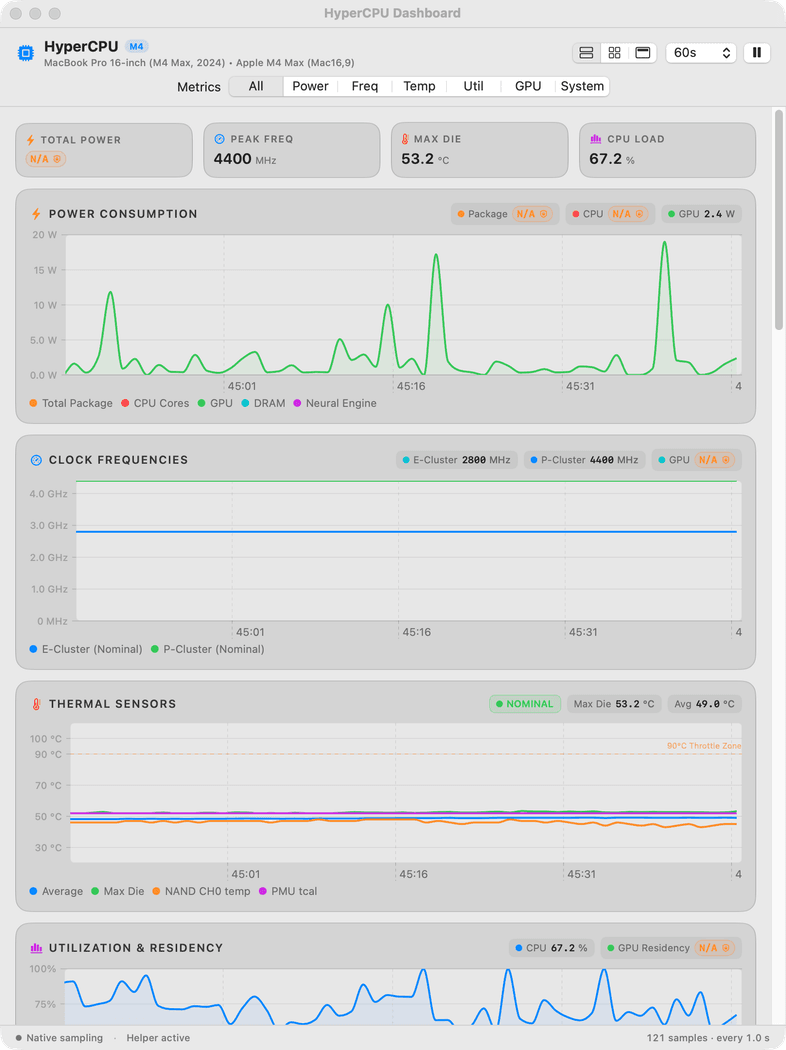
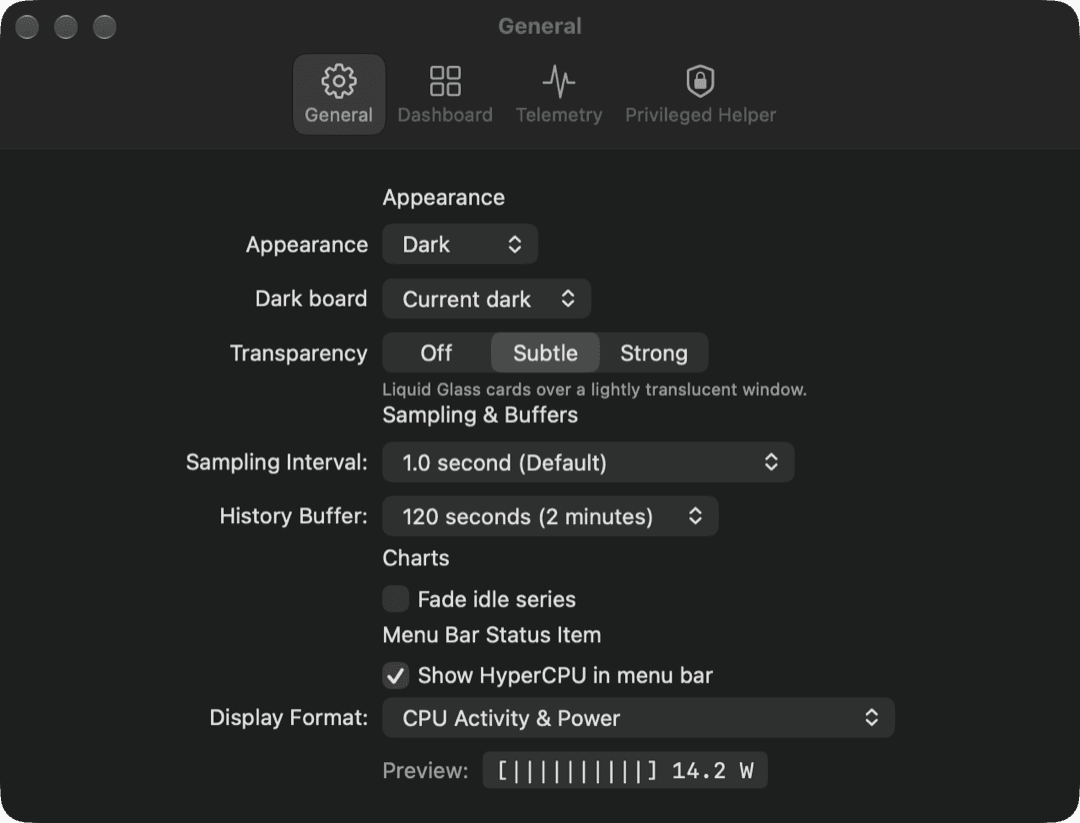
Application Screenshots
Captured on macOS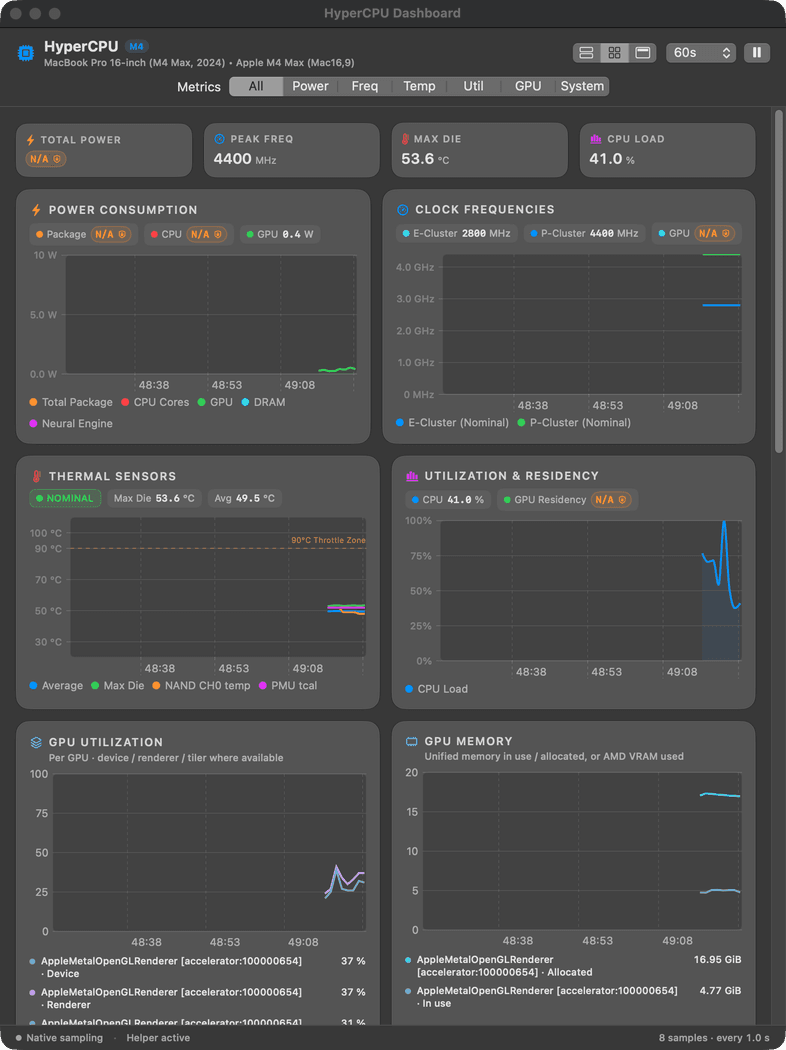
Key Features
- Live per-core Performance (P-core) and Efficiency (E-core) utilization, clock residency, and cluster activity bars
- Real-time SoC package power draw (Watts), thermal pressure state, and GPU active residency telemetry
- Unified memory pressure, wired/compressed pages, swap churn, and kernel file-descriptor / vnode counters
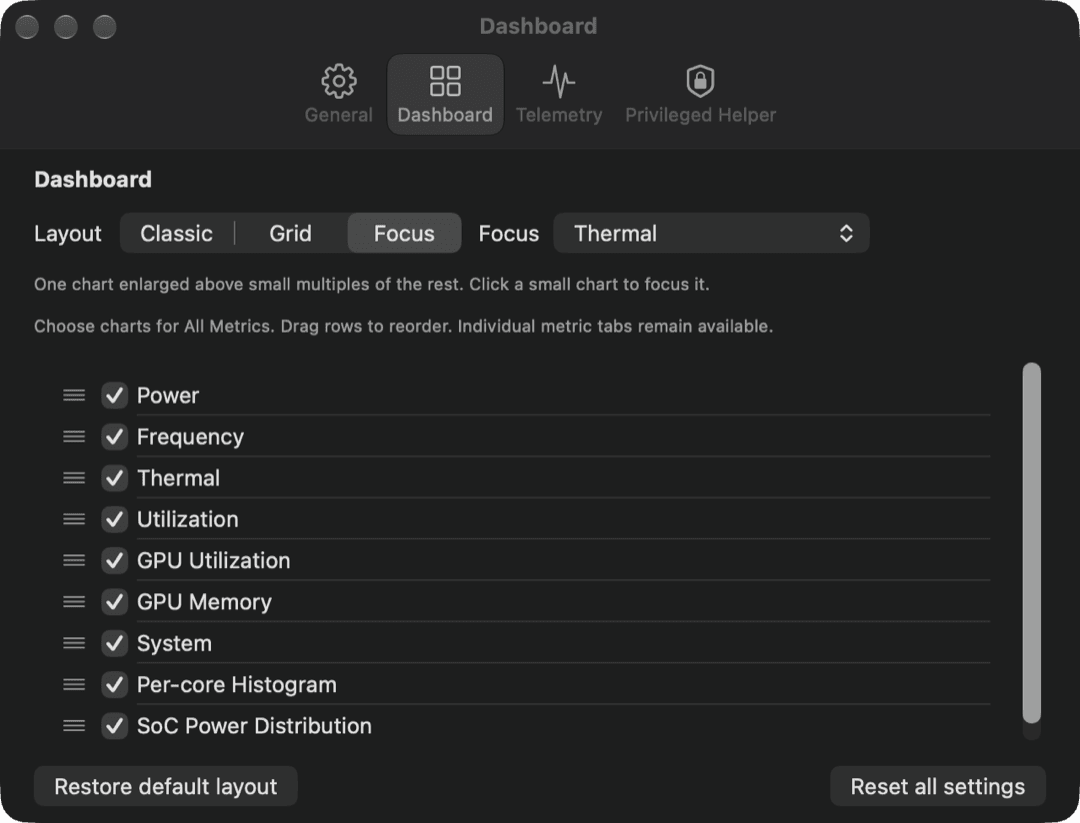
- Switchable Classic and 2-Column Grid desktop dashboard layouts with draggable, reorderable metric panels
- Compact MenuBarExtra sparkline and numeric readout with customizable update intervals (0.5s to 10s)
- App Sandbox compliant with zero incoming or outgoing network entitlements
System Requirements
- Operating System
- macOS 14.0 (Sonoma) or later · Optimized for macOS 27.0 (Apple Silicon) & 26.7 (Intel)
- Architecture
- Universal2 binary (Apple Silicon arm64 & Intel x86_64)
- Code Signing
- Developer ID Application: east coast science, llc (ZU2882L4HT) · App Sandbox
- Storage & Memory
- 18 MB disk footprint · < 30 MB resident RAM
- Privacy & Network
- Zero network entitlements · All hardware readings remain strictly on-device
What's New
v1.0.0 (Build 6) ·- Added 2-Column Grid layout mode alongside the Classic vertical telemetry stack for wide studio displays.
- Added Apple M4 Max 16-core (12P + 4E) and 40-core GPU topology profiles.
- Introduced customizable dashboard card ordering and visibility toggles in Settings -> Dashboard.
- Verified zero-network App Sandbox entitlement posture for Mac App Store distribution.