RTTy
Understand your Mac's connection at a glance: see slowdowns and check the services you rely on.
RTTy — Network Observability for macOS
Understand your Mac's connection at a glance: see slowdowns, check the services you rely on, and know whether the problem is your Wi-Fi, your ISP, or the remote server.
Pitch
When a video call drops, a cloud upload stalls, or a website lags, macOS tells you almost nothing. You’re left wondering: Is it my Wi-Fi? Did my fiber or cable connection hiccup? Or is the remote service having an outage?
RTTy solves this silently and continuously from your Mac’s menu bar. It measures real network timing to your router, your DNS resolvers, and the cloud services you depend on, showing live latency, jitter, and packet loss in a tiny, elegant status item. Click it to see exactly where the bottleneck is; open the full dashboard when you need deeper evidence.
No accounts. No background analytics. No guesswork.
Overview
Traditional network utilities force you to choose between cryptic terminal commands (ping, traceroute, mtr) or clunky standalone utilities that drain system resources.
RTTy is built from the ground up specifically for modern macOS:
- Glanceable Status in Your Menu Bar: A compact, transparent latency heatmap and rolling average latency sit neatly alongside your clock or battery indicator.
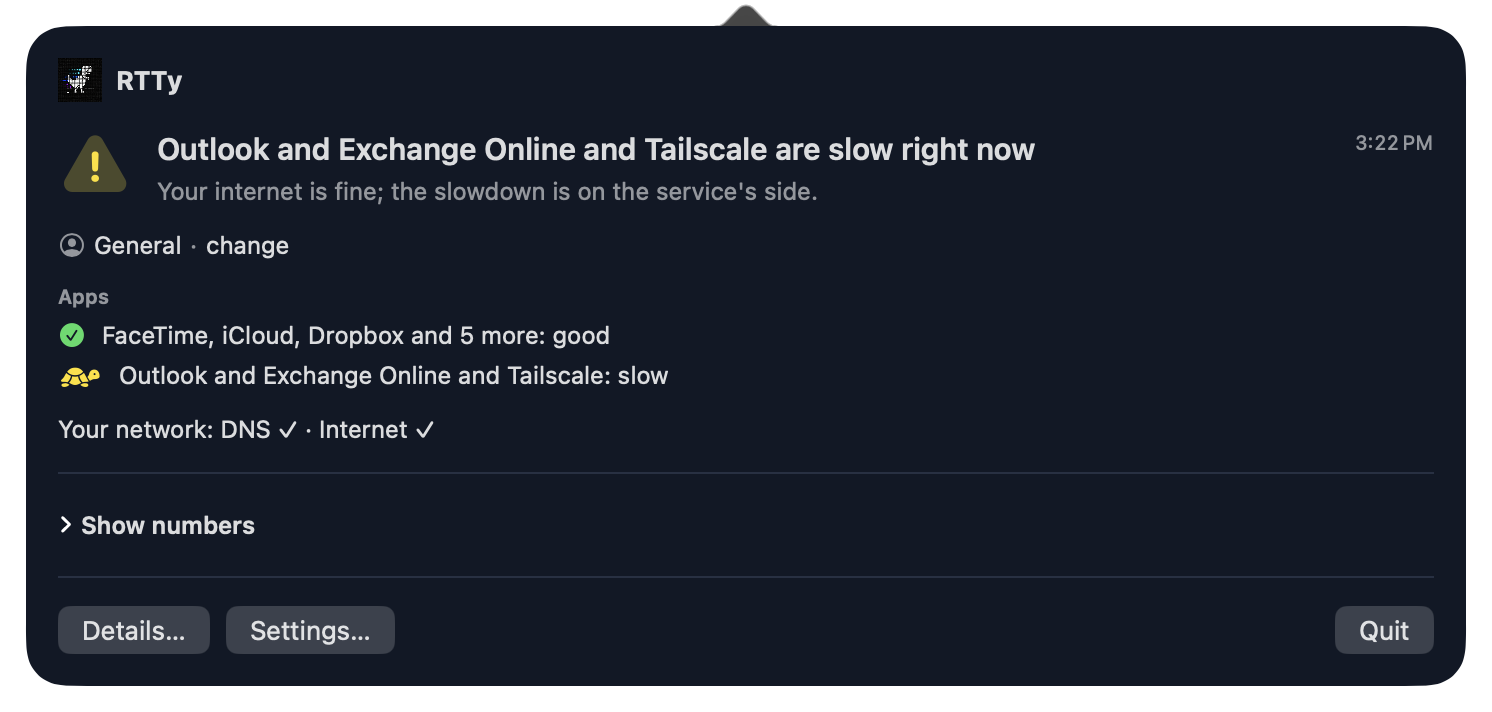
- Instant Service Health: Click the menu bar item to check vital applications like FaceTime, iCloud, Dropbox, Google Workspace, GitHub, and Cloudflare. RTTy tells you immediately: "Your internet is fine; the slowdown is on the service's side."
- Honest, Contiguous Timelines: Most tools drop missing data or flatten transient spikes into averages. RTTy preserves every measurement slot: packet loss is highlighted in full-height orange markers, and network pauses remain visible gaps so you see the truth of what happened.
- On-Device & Private: RTTy runs on your Mac, queries local routing state and reviewed network endpoints, and keeps history in a fast local SQLite database.
Key Features
Friendly for Everyday Mac Users
- Menu Bar Glance: Compact micro-heatmap and rolling average latency (sized like an activity meter) keep you informed without cluttering your screen.
- Service Reachability Badges: Automatic checks verify connectivity to everyday services—including Apple FaceTime, iCloud Drive, Dropbox, GitHub, Google Workspace, Microsoft 365, and Cloudflare Edge.
- Plain-English Status Summaries: Status cards translate complex network telemetry into actionable insight (e.g. “Network status: Good. Internet reachable, DNS responding normally”).
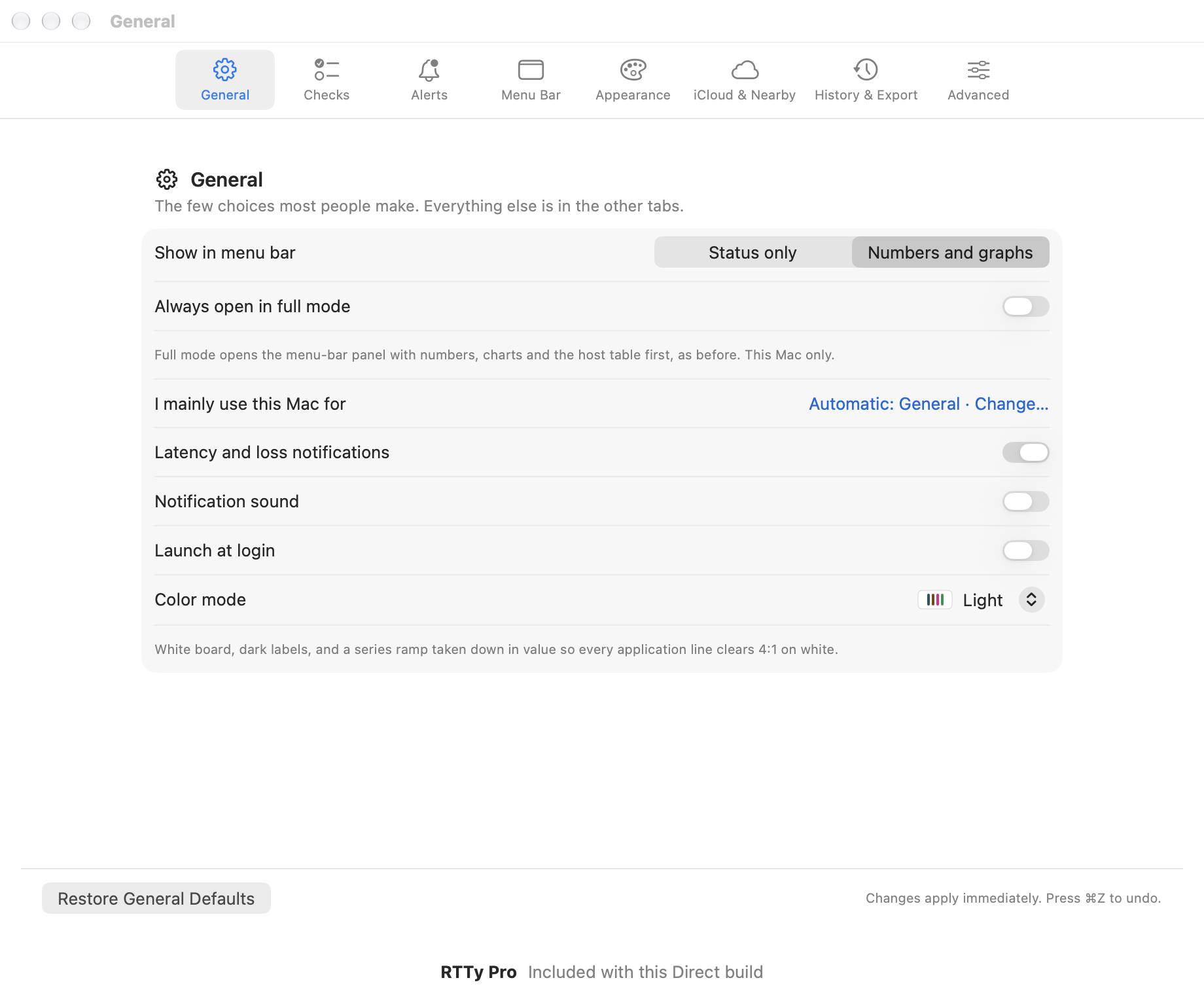
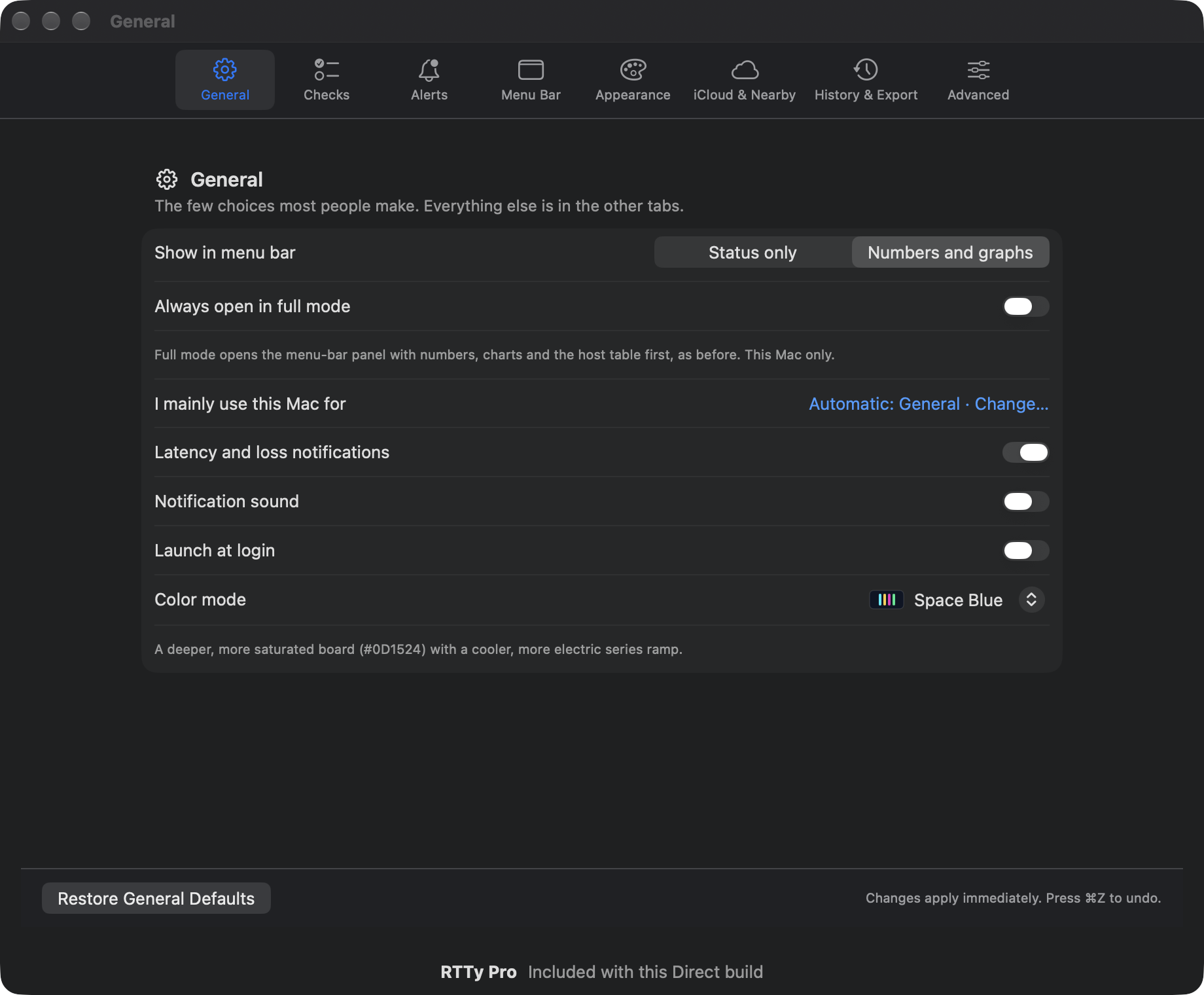
- Native macOS Design: Fluid, modern interface crafted with SwiftUI and Apple's Liquid Glass materials, supporting Automatic, Light, Dark, True Black, and Space Blue themes.
- Smart Notifications: Optional, polite alerts notify you when sustained latency spikes or packet loss occur, with built-in cooldown periods to prevent notification spam.
Powerful Diagnostics for Developers & Power Users
- Dual-Lane Directional Bandwidth: Real-time upload and download throughput visualized in independent heatmap lanes or opposing area graphs.
- Multi-Hop Target Matrix: Detailed latency, jitter, loss percentage, and historical trendlines for your default gateway, primary and secondary DNS resolvers, and custom remote endpoints.
- Path MTU Discovery (Direct Build): Non-destructive IPv4 Path MTU discovery identifies packet fragmentation thresholds across routes without flooding the link.
- Automatic & Passive Monitoring Modes: RTTy measures actively by default, but intelligently enters Passive mode when connected to enterprise networks, proxies, or captive portals to avoid generating unwelcome probe traffic.
- Incident Inspection & Report Export: Scrub back through minutes or hours of network history, select exact incident time spans, and export complete
.rtty-reportbundles containing CSV and structured JSONL logs for technical support or ISP escalation. - Shortcuts & Siri Automation: Native App Intents allow querying latency status or opening dashboards via Siri, Spotlight, and the macOS Shortcuts app.
Platforms & System Requirements
- Operating System: macOS 26.0 or later.
- Hardware Architecture: Universal 2 binary with native 64-bit performance on both Apple silicon (
arm64) and Intel (x86_64) Macs. - Display Compatibility: Optimized for all Retina displays, Pro Display XDR, and multi-monitor setups.
- Companion Platforms: iOS/iPadOS and tvOS companion applications are currently in development (planned for future public release).
Status & Availability
- Mac App Store: Submission pending. Build 528 (Version 0.3.851) is packaged, verified across 10 release QA gates, and awaiting App Store review.
- Developer ID Direct Channel: An internal Developer ID Direct build exists and is deployed across testing fleet machines.
- TestFlight / Beta Access: (Planned / pending public rollout).
Transparent Pricing (Launching with App Store Release)
RTTy adopts a transparent, straightforward freemium purchase model designed around customer trust:
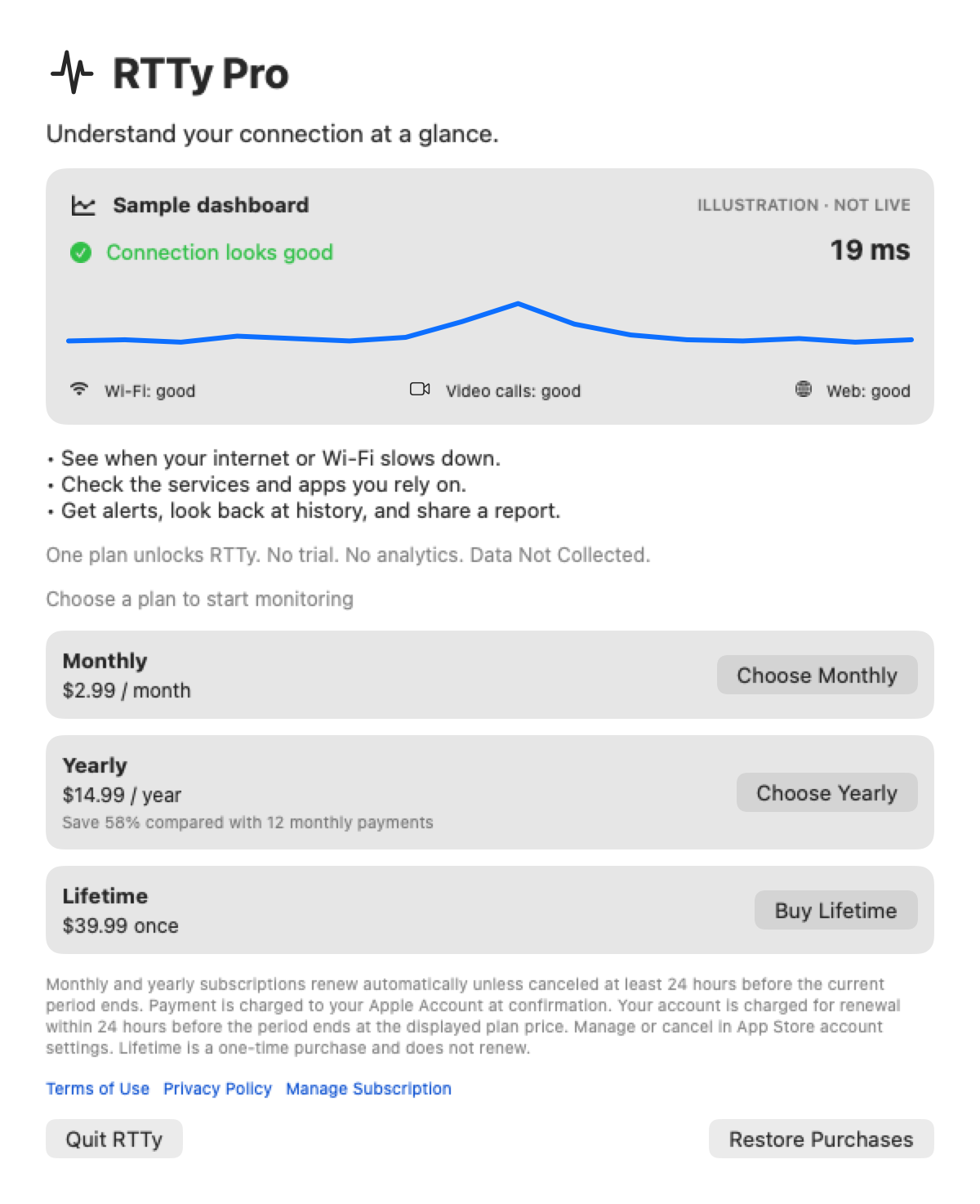
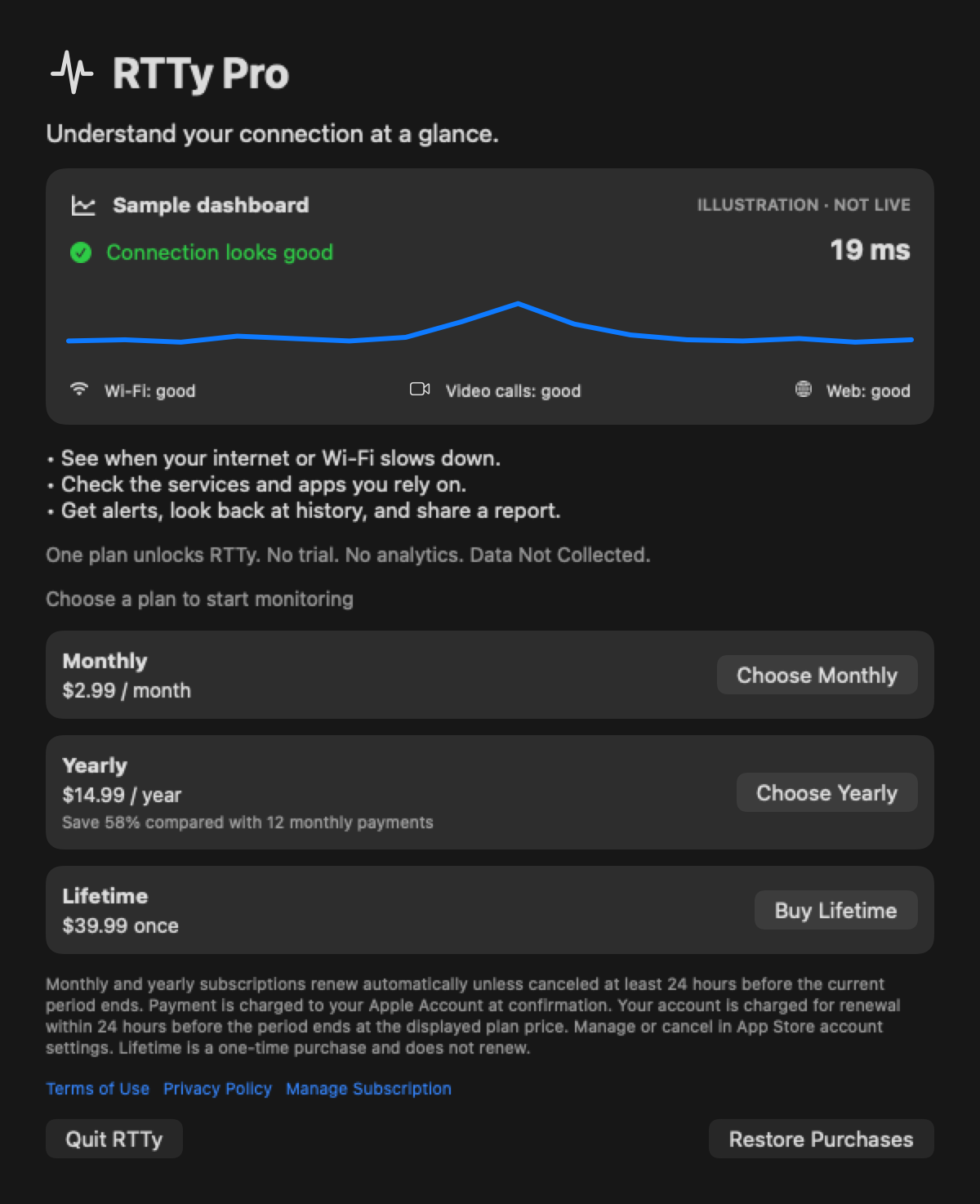
- Free Download: Download RTTy from the Mac App Store at no cost. First launch displays a clearly labeled, interactive sample dashboard (
ILLUSTRATION · NOT LIVE) so you can preview all features, charts, and layout options before purchasing. - RTTy Pro Access: Full live network monitoring is unlocked via your choice of three simple, honest plans:
- Monthly Subscription: $2.99 / month (auto-renewable, cancel anytime)
- Yearly Subscription: $14.99 / year (auto-renewable, saves 58% compared to 12 monthly payments)
- Lifetime Access: $39.99 one-time (non-consumable, permanent access)
Honest Pricing Principles
- No Free Trials or Sneak Charges: No trial periods that quietly roll into unexpected charges. You choose when and how to unlock.
- No Feature Gating Between Plans: Monthly, Yearly, and Lifetime unlocks provide 100% identical features, targets, history retention, and alerting.
- No Ads or Account Lock-In: Standard Apple StoreKit 2 in-app purchases handled securely through your Apple Account.
Privacy & Data Integrity
RTTy adheres to an uncompromising privacy standard: Data Not Collected.
- No User Accounts: You never create an account, log in, or provide an email address.
- Zero Third-Party Telemetry: RTTy contains no third-party tracking frameworks, analytics SDKs, or advertising identifiers.
- On-Device Storage: All latency logs, ping histories, interface counters, and diagnostic snapshots remain strictly on your local Mac in a local SQLite database.
- Transparent Purchases: Subscription verification runs entirely on-device using StoreKit 2. No personal billing details or device identifiers are sent to developer servers.
Links & Resources
- Official Product Website: https://rtty.app/
- Examples & Feature Walkthrough: https://rtty.app/examples
- Privacy Policy: https://rtty.app/privacy
- Customer Support: https://rtty.app/support (Email:
rtty@eastcoastscience.com) - Terms of Use: Apple Standard EULA
- Mac App Store Page: (Planned — will be published upon App Store release approval)
Application Interface & Telemetry